
a playful visual story
Toc Toc AI Dance Generator
Build a Toc Toc style dance variation
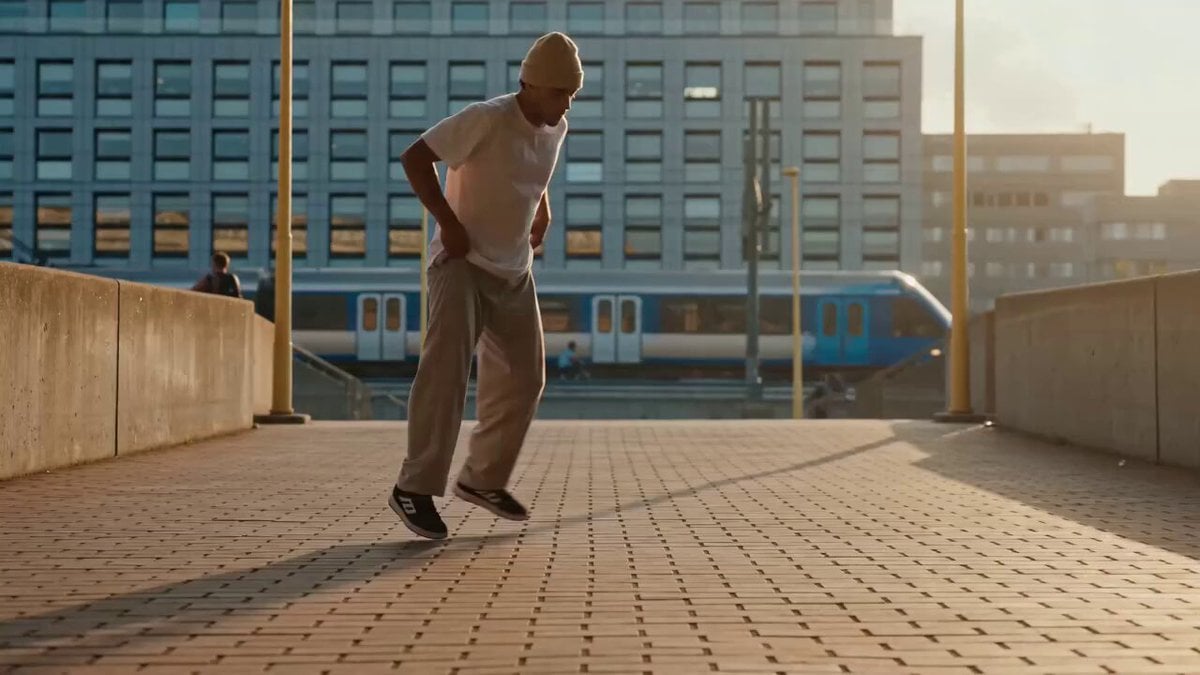
History
Loading history…
Your questions, answered
What is Toc Toc AI Dance Generator?
Create a short Toc Toc-inspired dance with knocking hand gestures, a light bounce and small sideways steps. Try it for fabric comparison set, with your own setting and a clear visual intention.
How do I start?
Choose Text to Video or Image to Video, prepare the matching inputs and describe one useful direction. Check the settings and quote, then submit and review the result in History.
Can I try it for free?
Check your current account credits and the selected model’s access conditions. When the available balance covers the quoted job, you can generate without buying more credits.
What do I upload?
For Image to Video, use one front-facing full-body adult photo with both hands and feet visible. The neutral standing pose is the useful input; the other pictured poses explain movement ideas.
How much does it cost?
Read the live credit quote for the selected model and settings before submitting your Toc Toc dance clip. Preparing inputs or editing a description does not start a generation.
When is the result ready?
Follow the submitted job’s estimate and progress. The model, settings and queue affect waiting; History keeps the completed clip available for review and download.
Create a short Toc Toc-inspired dance with knocking hand gestures, a light bounce and small sideways steps. A full-body portrait can guide one adult performer, or text mode can create a new dancer. On Mea8, approach it as a playful visual story: a distinctive expression and a memorable setting. Look for the idea you would enjoy sharing, then refine the detail that makes it yours.
Generate a Toc Toc danceFrom one photo to a directed dance clip
1. Upload a prepared full-body photo
Use one neutral full-body portrait; the other poses explain movement directions to describe. Shoot the source photo straight on with both feet visible and arms relaxed at the sides.
2. Write the variation direction
Use the editable prompt to describe wardrobe, material, scene and mood. Mention fabric weight, color palette, floor surface and lighting style. Then set the available model controls for the look you want. The prompt guides an interpretation of knocking gestures, hops and sideways steps rather than copying a reference clip.
3. Check the quote, generate, review
The page displays a live credit quote before you generate. Sign in to your account, start the generation job and let it run. Open History to review earlier attempts and compare wardrobe, material and scene choices. Keep the directions that worked, adjust the ones that did not, and build variations from there.
Explore published creative references
Study the framing, lighting and styling, then open a case to read its original prompt. These library references are starting points for your own direction.
Framing reference
View case and prompt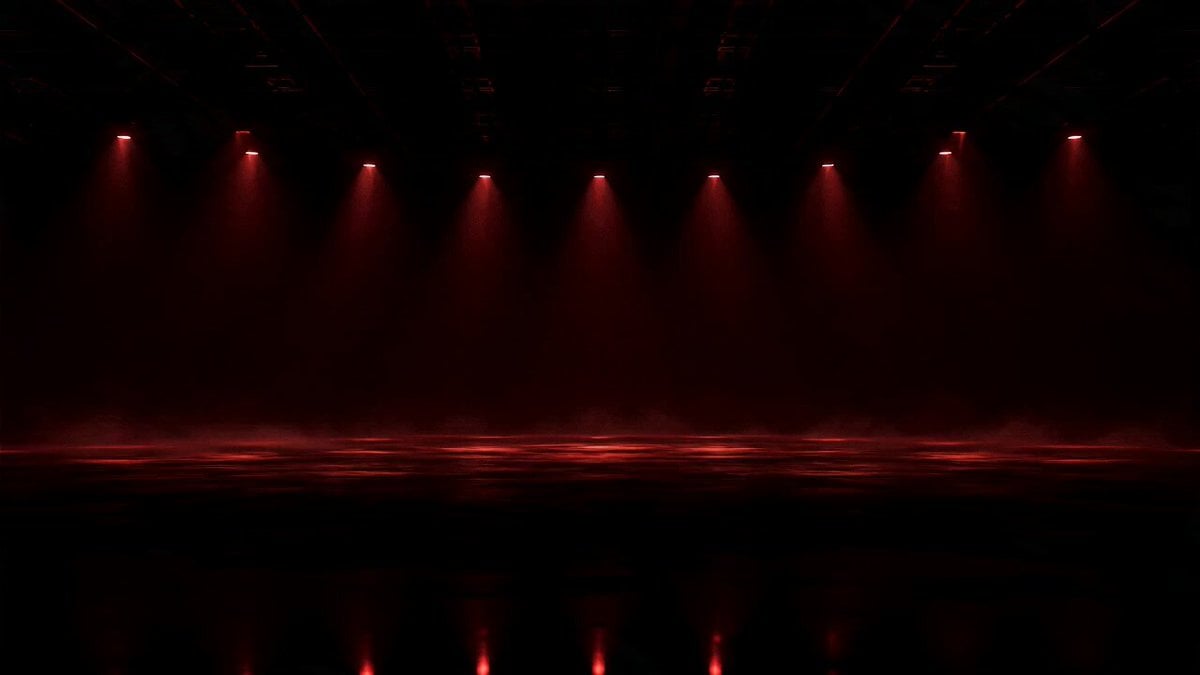
Lighting reference
View case and promptStyling reference
View case and promptComposition reference
View case and promptPreparation and review notes
Choose one full-body adult photo with a clear, steady camera angle and visible legs and feet. Good even light helps. Avoid cropped feet, heavy motion blur and busy backgrounds that hide the silhouette. The single performer should fill a sensible part of the frame so the dance reads as full-body movement. When a supporting model offers Start/End Frame mode, provide two endpoint images for the beginning and end.
- Shoot the source photo straight on with both feet visible and arms relaxed at the sides.
- Name your prompt variations in a notes file so History entries are easier to compare later.
- Describe fabric weight and floor surface together, since both change how hops and steps read.
- Choose the mode before preparing the Toc Toc dance clip; keep uploaded media in the photo mode and describe a new subject directly in the text mode.
What the output contains
Knocking-gesture interpretation
The clip is generated around alternating knocking hand gestures combined with bouncy one-leg hops and sideways steps. These are interpreted from your prompt and photo, not copied from a motion-reference video. Results vary in timing and energy, so treat each run as one creative variation to review.
Full-body single-performer framing
Ask for a steady full-body camera view of one performer. That framing keeps legs, feet and hands visible so the hop pattern and knocking gestures can read clearly. Wardrobe length, fabric drape and floor surface all affect how visible the movement stays, so describe them in the prompt.
Wardrobe, material and scene control
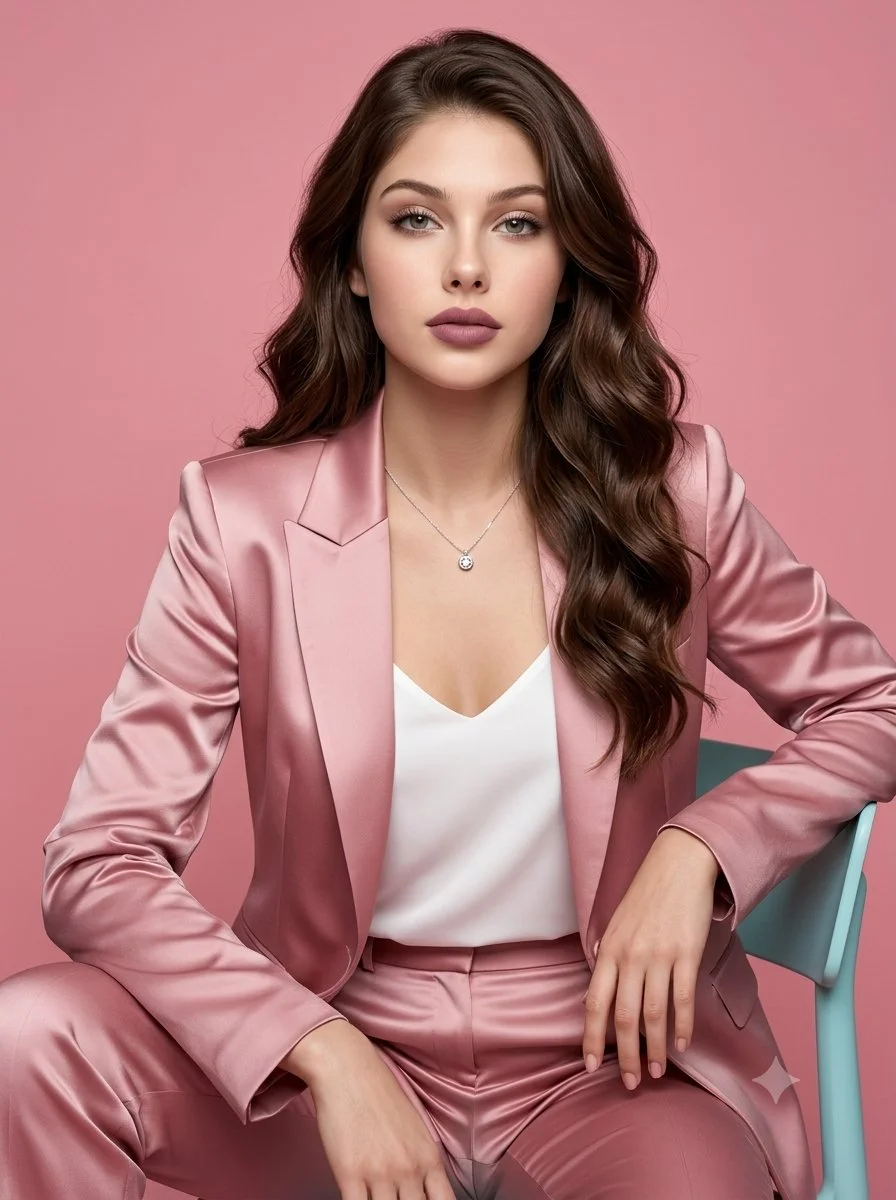
The editable prompt is where variations happen. Try a heavy wool coat against a concrete floor, a light cotton dress in a warm room, or a satin outfit under cool side light. Material changes how motion appears. Scene changes the mood.
Wardrobe, material and scene scenarios
Fabric comparison set
Keep one photo and one scene. Generate three clips with a heavy knit, a crisp cotton shirt and a flowing satin top. Compare how each material reads during hops and sideways steps, then pick the strongest for the campaign.
Studio to street corner
Use the same outfit and prompt but change the scene description from a plain studio floor to a tiled street corner with soft overcast light. Review both in History to see which setting suits the short dance rhythm.
Color-led series
Build a small series around one palette: rust, cream and deep green. Describe the wardrobe and backdrop in matching tones for each run. The knocking hand gestures stay consistent while the color story carries the variation.
Toc Toc AI Dance Generator questions
What kind of photo works best for this dance clip?
Use one clear full-body adult photo with a steady camera and visible feet. Even lighting and a simple background help. Cropped legs, strong blur or crowded scenes make the full-body dance harder to interpret, so a clean source image gives the generation more to work with.
Can I supply my own motion-reference video or song?
No. The page does not accept a motion-reference video or an original song. The dance is prompt-guided interpretation of alternating knocking hand gestures, bouncy one-leg hops and sideways steps. It is not exact choreography transfer, so expect an original variation rather than a copy.
How do wardrobe and material choices change the result?
Wardrobe and material are described in the editable prompt. Heavy fabric moves differently from light fabric during hops, and color affects how the figure reads against the scene. Describe fabric, fit, palette and floor surface, then adjust the model controls for the look you want.
Is the output exact Toc Toc choreography?
No. The generator creates an original short dance inspired by the described gestures and steps. Timing, arm positions and hop rhythm are interpreted from your prompt and photo. Review each clip in History and refine the direction if you want a different emphasis.
Should I choose Text to Video or Image to Video?
Choose Text to Video for a new Toc Toc dance clip made entirely from your description; it uses no uploaded reference. Choose Image to Video when one photo should guide the person, subject or composition. Select the mode first so the visible inputs match your intention.
Can I use my available credits without buying a plan?
You can prepare the Toc Toc dance clip before submitting. To generate, check your signed-in account’s current credits and the selected model’s access conditions. If the available balance covers the displayed quote, you can proceed without buying more; no fixed free quota is promised.
What does a Toc Toc dance clip generation cost?
Your Toc Toc dance clip has a live credit quote based on the model and settings you choose. Check it before submitting. Editing the description or reviewing an idea does not start a job; submitting another generation creates a separately quoted attempt.
How long should I wait, and where is the result?
Use the estimate and progress shown for the submitted Toc Toc dance clip job. Model choice, settings and queue conditions affect waiting. Check History for the completed clip, and keep the existing task in progress instead of resubmitting the same request while you wait.
Direct your first dance variation
Look for the idea you would enjoy sharing, then refine the detail that makes it yours. Prepare the Toc Toc dance clip, read the current quote and submit when the direction is clear.
Generate a Toc Toc danceKeep creating with Mea8
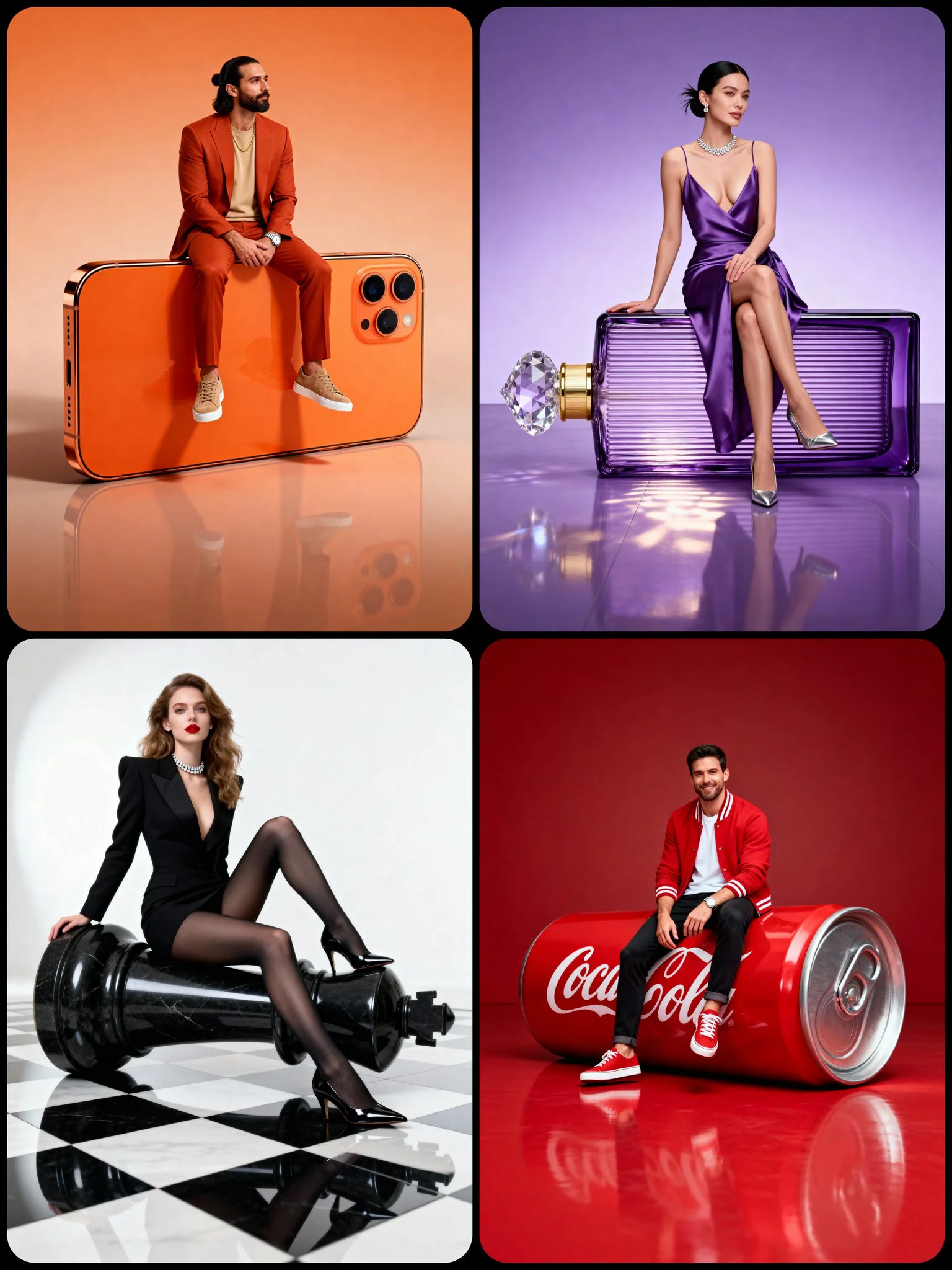
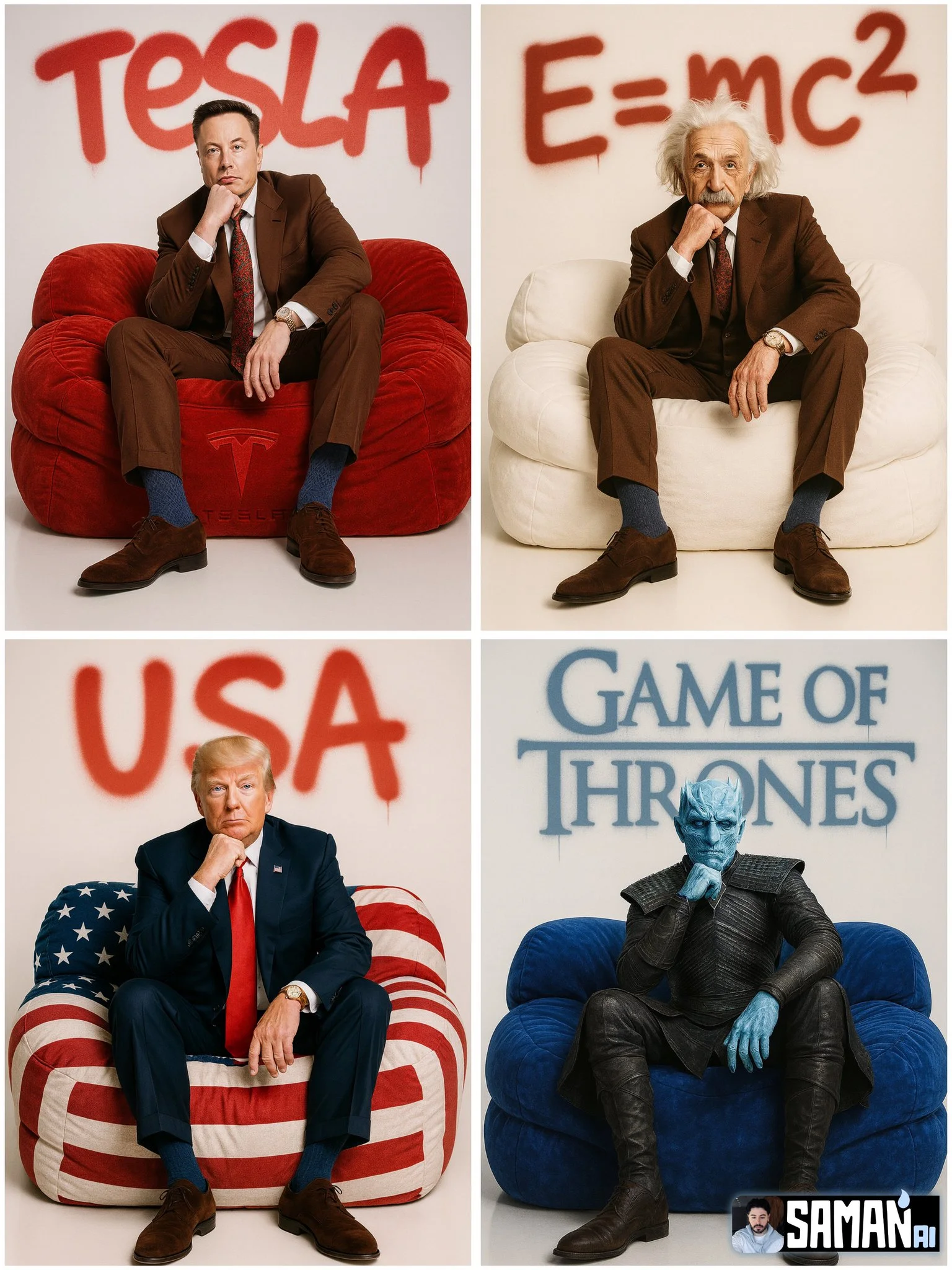
mea8.com · Updated
What's new on this page
- — Prepared this guide with current input instructions, published case references, working prompt links and related tools.