
a playful visual story
AI Halloween Costume Transformation
Build your costume reveal video

History
Loading history…
Your questions, answered
What is AI Halloween Costume Transformation?
Create a short Halloween costume video around an adult character, an outfit description and a simple action. Try it for decaying ballroom formalwear, with your own setting and a clear visual intention.
How do I start?
Choose Text to Video or Image to Video, prepare the matching inputs and describe one useful direction. Check the settings and quote, then submit and review the result in History.
Can I try it for free?
Check your current account credits and the selected model’s access conditions. When the available balance covers the quoted job, you can generate without buying more credits.
What do I upload?
In Image to Video, upload one clear adult portrait with room around the costume area. Text to Video needs no media.
How much does it cost?
Read the live credit quote for the selected model and settings before submitting your costume reveal clip. Preparing inputs or editing a description does not start a generation.
When is the result ready?
Follow the submitted job’s estimate and progress. The model, settings and queue affect waiting; History keeps the completed clip available for review and download.
Create a short Halloween costume video around an adult character, an outfit description and a simple action. Use a portrait to guide the person, or start from text for a new character. On Mea8, approach it as a playful visual story: a distinctive expression and a memorable setting. Look for the idea you would enjoy sharing, then refine the detail that makes it yours.
Create a costume revealHow a costume reveal comes together
1. Upload the portrait and write the costume
Prepare a clear subject and a focused direction before submitting a generation. Use a front-facing adult portrait with soft, even light and no heavy filters.
2. Set direction and model controls
Decide the mood before you generate. A slow turn reads differently in fog than in hard stage light. Use the available model controls to steer the look, and keep your prompt focused on wardrobe, material and scene rather than stacking conflicting ideas. Write the atmosphere as a place and a light source, not a list of adjectives.
3. Check the quote, generate, then review History
The interface shows a live credit quote before you commit, so read it first. Sign in to your account, submit the generation job, and wait for it to finish. Open History to compare variations side by side. Judge the slow turn, fabric behaviour and atmosphere together, then keep the notes that worked for the next attempt.
Explore published creative references
Study the framing, lighting and styling, then open a case to read its original prompt. These library references are starting points for your own direction.
Framing reference
View case and prompt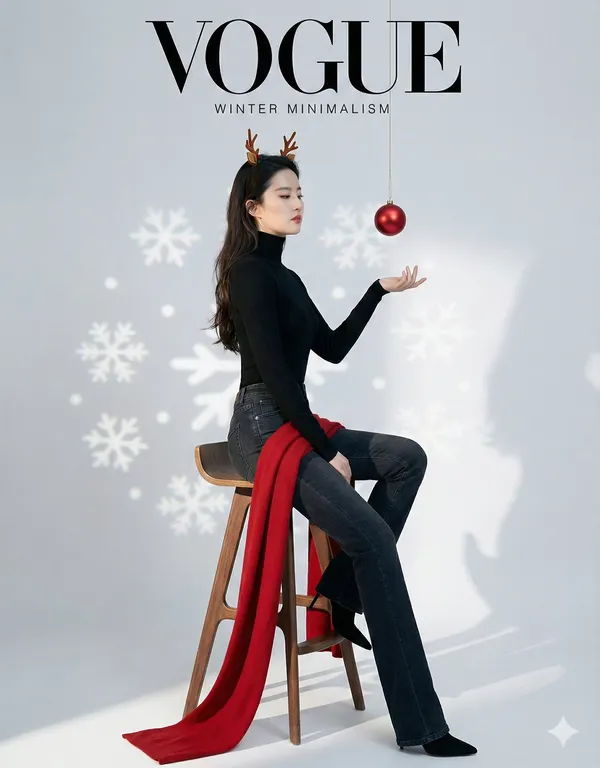
Lighting reference
View case and prompt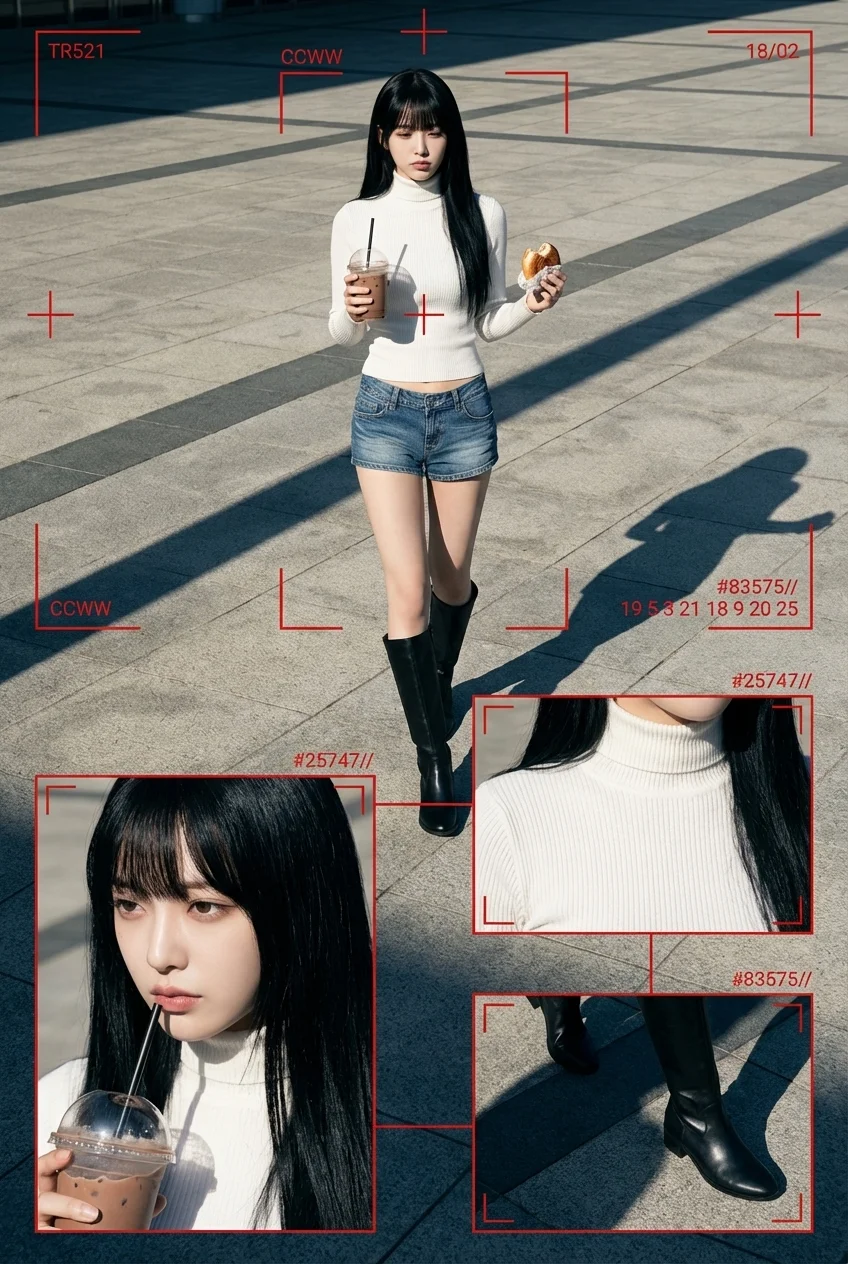
Styling reference
View case and prompt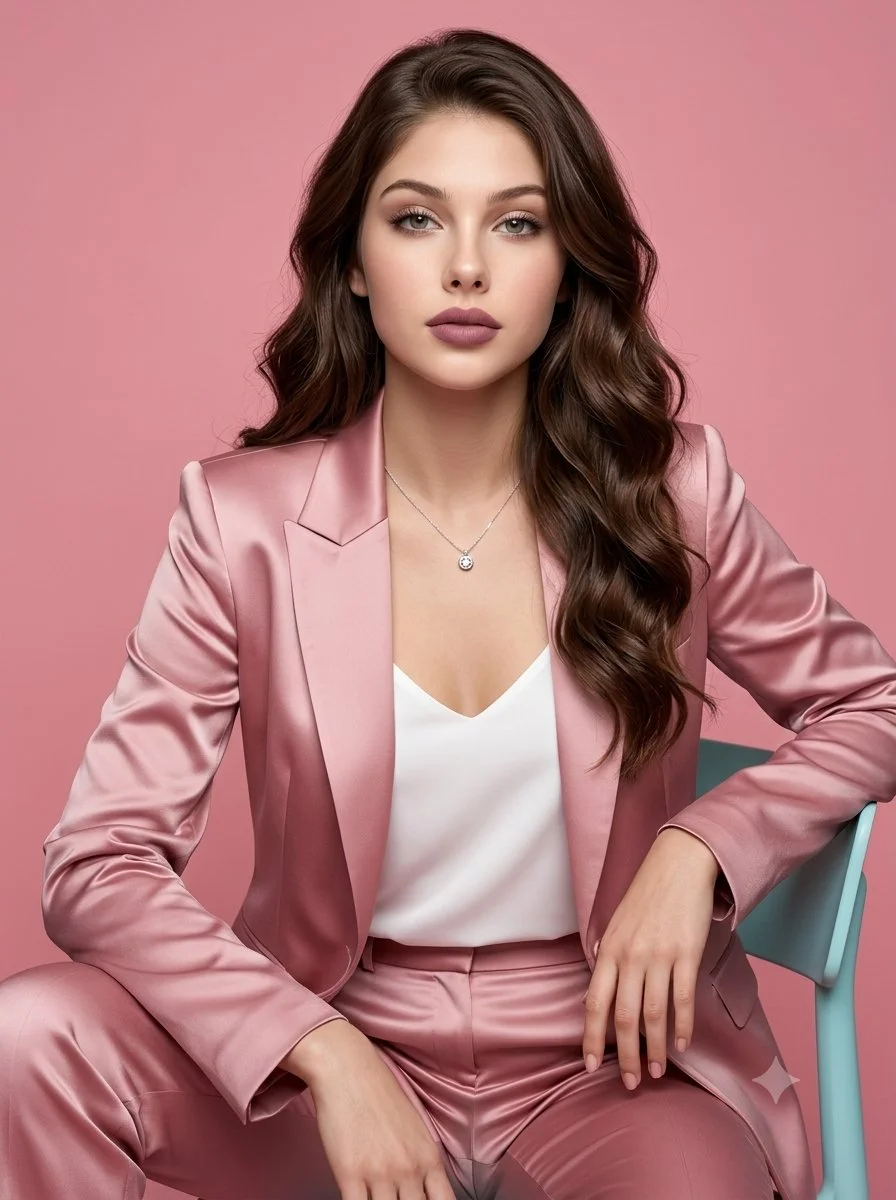
Composition reference
View case and promptBefore you generate
Choose one adult reference portrait with a clear, unobstructed face and even light. Then write a costume description you can edit: garment type, fabric, colour, accessories, footwear and any prop. Vague costume notes give vague reveals, so name the material you actually want to see, such as crushed velvet, latex, wool or worn leather. When a supporting model offers Start/End Frame mode, provide two endpoint images for the beginning and end.
- Use a front-facing adult portrait with soft, even light and no heavy filters.
- Write the costume as garment, fabric, colour, accessory, footwear, then scene.
- Read the live credit quote before submitting, and sign in so the job lands in History.
- Choose the mode before preparing the costume reveal clip; keep uploaded media in the photo mode and describe a new subject directly in the text mode.
What the reveal video gives you
Wardrobe and material emphasis
The costume description is where the detail lives. Specify fibre, sheen, weight and how a garment should move, and the reveal can show those choices rather than a generic mask-and-cape look. Change one material at a time to see which reading of the character holds up on camera.
A cinematic slow turn
Each output is a short filmic reveal prompted around a slow turn. A turn can show the silhouette from several angles in one clip, which suits costume concepts where the back, sleeves or train carry the idea. The turn is requested through the prompt and is not a controllable camera rig.
Atmosphere as a creative variable
Scene and atmosphere are part of the costume, not decoration. A candlelit hallway, a sodium-lit car park and a dry-ice stage each change how the same garment reads. Describe the location, the light and the air, and treat atmosphere as one more variable to iterate.
Costume variations to try
Decaying ballroom formalwear
A tattered tailcoat in aged brocade, dust-grey shirt and cracked patent shoes, revealed in a chandelier-lit ballroom with drifting plaster dust. Test how the fabric reads when the light is warm and low.
Deep-sea creature couture
Iridescent scale-textured bodysuit, translucent fins at the wrists and a pearl-encrusted collar, set in cold blue light with slow drifting particles. Useful for checking sheen and silhouette in a single turn.
Rust-belt mechanic horror
Oiled canvas overalls, a welded metal half-mask and heavy boots, revealed in a sodium-lit garage with sparks in the air. Suits concepts where texture and worn material matter more than glamour.
AI Halloween Costume Transformation questions
What does the tool actually produce?
It produces a short cinematic costume reveal video: a slow turn of the character in the costume you described, with the atmosphere you set. It is not a still image, a costume pattern or a shopping list, and it does not give you a fixed set of preset outfits to pick from.
What input do I need to start?
One adult reference portrait and an editable costume description. The portrait should show the face clearly. You can revise the description between runs, which is the main way to explore variations. No reference video is used, so all direction comes from the portrait, the written costume and the model controls.
Can I control the camera or the before-and-after transition?
No. The format is a short reveal built around a slow turn, and there is no exact before-and-after transition control or camera rig. Treat the turn and pacing as the studio's presentation. Your influence comes through wardrobe, material, scene and the available model controls, not shot-by-shot timing.
Will the face match my uploaded portrait exactly?
Face preservation is treated as a practical goal, not a guarantee. Results vary with the portrait, the costume and the atmosphere you request. A well-lit, unobstructed face gives a better chance of a recognisable result, but you should review each output in History rather than assume an exact likeness.
Should I choose Text to Video or Image to Video?
Choose Text to Video for a new costume reveal clip made entirely from your description; it uses no uploaded reference. Choose Image to Video when one photo should guide the person, subject or composition. Select the mode first so the visible inputs match your intention.
Can I use my available credits without buying a plan?
You can prepare the costume reveal clip before submitting. To generate, check your signed-in account’s current credits and the selected model’s access conditions. If the available balance covers the displayed quote, you can proceed without buying more; no fixed free quota is promised.
What does a costume reveal clip generation cost?
Your costume reveal clip has a live credit quote based on the model and settings you choose. Check it before submitting. Editing the description or reviewing an idea does not start a job; submitting another generation creates a separately quoted attempt.
How long should I wait, and where is the result?
Use the estimate and progress shown for the submitted costume reveal clip job. Model choice, settings and queue conditions affect waiting. Check History for the completed clip, and keep the existing task in progress instead of resubmitting the same request while you wait.
Write a costume, set the scene
Look for the idea you would enjoy sharing, then refine the detail that makes it yours. Prepare the costume reveal clip, read the current quote and submit when the direction is clear.
Create a costume revealKeep creating with Mea8
mea8.com · Updated
What's new on this page
- — Prepared this guide with current input instructions, published case references, working prompt links and related tools.