
Hotel Lobby AI.
Your duo on the mic.
Two people. Two microphones. The orange booth. Bring your duo to the Hotel Lobby stage and make the performance about your own story.
Examples
Create a 15-second ultra-photorealistic luxury perfume commercial with
Generate a 15-second hyper-realistic cinematic horror sequence inside a
Ultra-photorealistic GTA VI gameplay leak. Indistinguishable from real
Create a cinematic luxury fashion advertisement video using the female model
Immersive first-person spaceship cockpit perspective, no visible pilot, no
CAMERA / LOOK: Propped iPhone/Mini DV camcorder footage on a sleek vanity
seconds | 16:9 | live-action fashion runway footage
FPV shot: The camera dives through a tropical waterfall hidden inside a lush
Overarching Concept: Continuous character journey, moving from gritty Y2K
A clay pirate captain duck with a tiny hat, wooden sword, eye patch and
Create a high-quality cinematic 30-second vertical video (9:16) for STADIUM
Create a 15-second animated educational video that introduces young children
Two faces. Three steps. One performance.
Start with the people who make your stories worth telling.
01 / Add your photos
Use one clear photo of each person, or one photo of the two of you together. Front-facing photos help keep both faces recognizable.
02 / Choose the stage
Pick a setting and tell the AI what your performance is about. Add a name, a memory or the occasion to make it personal.
03 / Make it yours
Choose your video settings and review the credit quote. Generate your video, watch the result and download it from your history.
Explore published creative references
Study the framing, lighting and styling, then open a case to read its original prompt. These library references are starting points for your own direction.
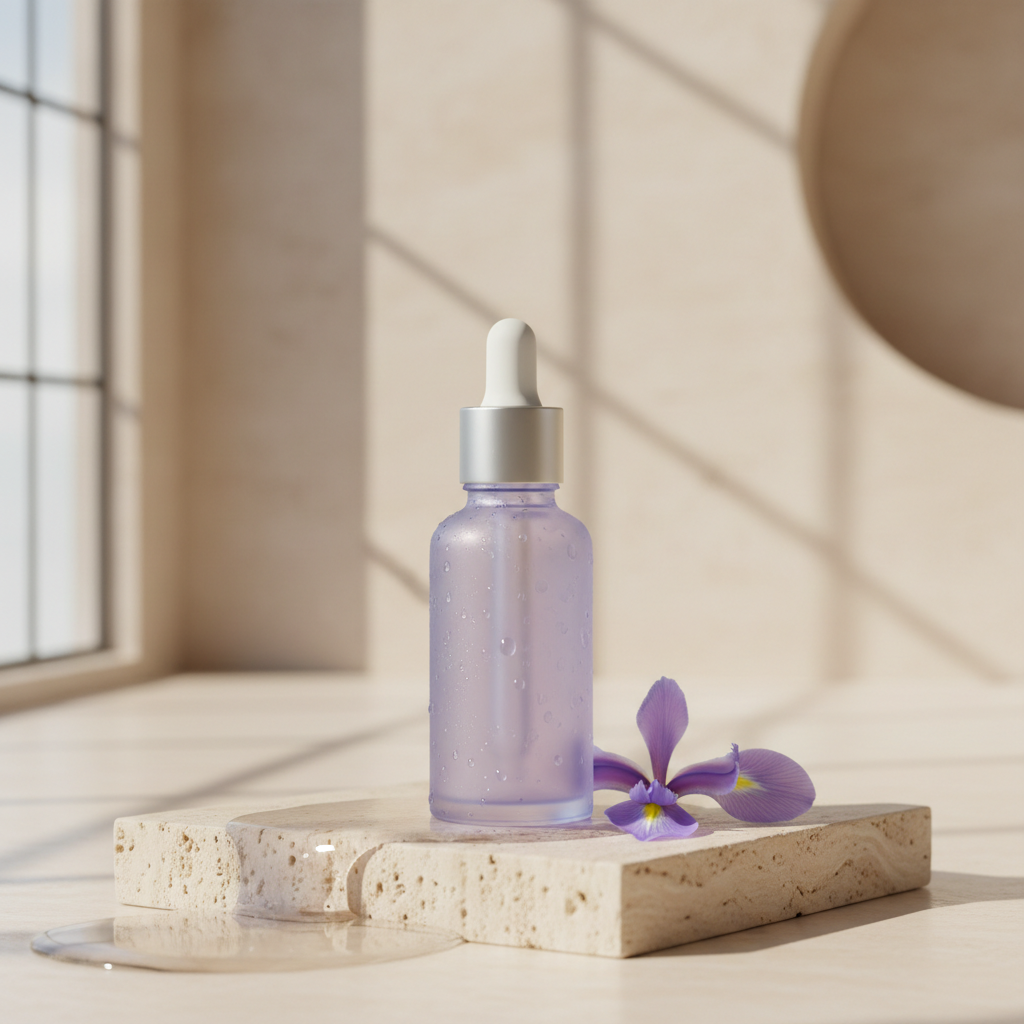
Framing reference
View case and prompt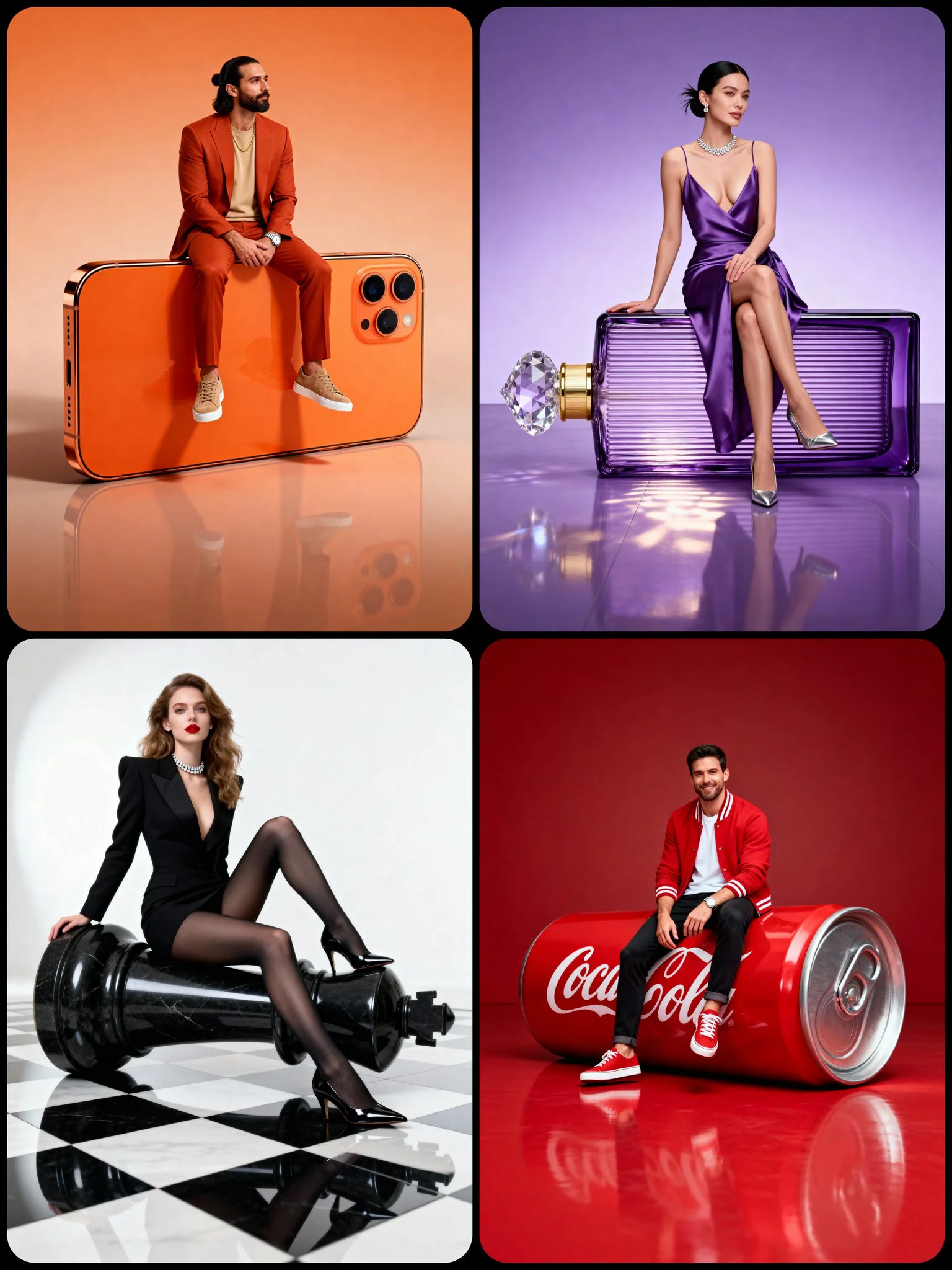
Lighting reference
View case and prompt
Styling reference
View case and prompt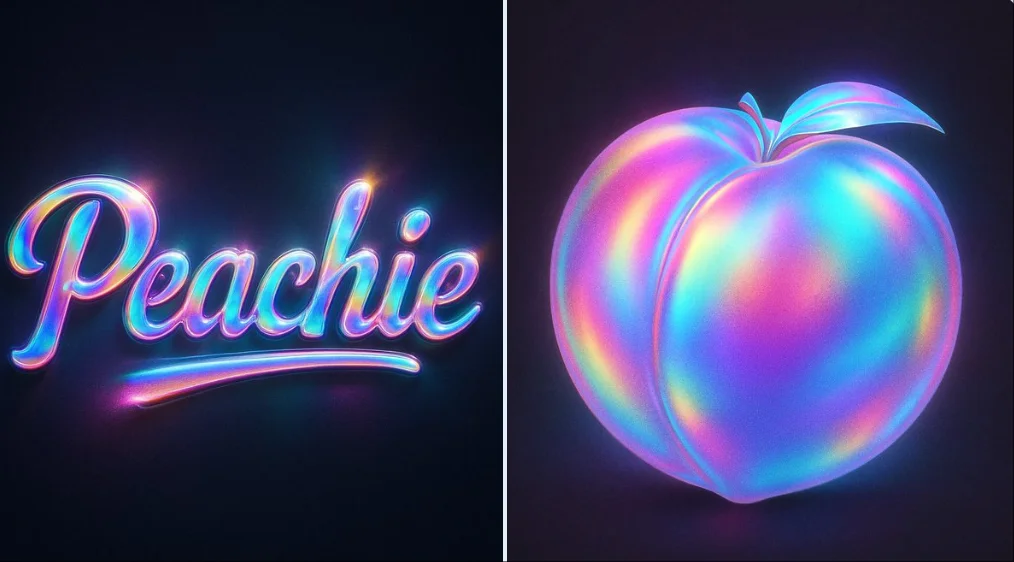
Composition reference
View case and promptOne booth. Your own performance.
The setting supplies the energy. Your photos and topic make it yours.
The orange stage
Choose the Hotel Lobby preset for a warm orange recording booth. Your photos keep their natural color.
Original words
Add a birthday, a friendship memory or a playful battle to the prompt. Ask the selected audio model for an original rap.
Built for sharing
Choose a supported vertical format for social posts. Watch the whole clip before you share it.
Keep creating with Mea8
Questions before you take the mic?
Can we use photos taken in different places?
Yes. Add a photo of each person. The two photos are combined into one reference image before generation.
How much does a video cost?
The exact credit quote depends on the chosen video settings, duration, resolution and audio setting. Review the live quote before submitting.
How long does generation take?
The reference experience targets about three minutes. Actual processing time depends on the chosen video settings and queue; follow the task status for your video.
Do I need a subscription?
No. Choose a one-time credit pack, or subscribe if you create regularly.
Will the video include a rap and music?
Request an original rap in the prompt and choose a model with supported audio. Voice, lip sync and identity consistency depend on the model; audio is not available on every model.
Can I request a refund for my purchase?
You can request a refund within 10 days of purchase if you have unused credits from that purchase and provide a clear reason, subject to our Refund Policy. If eligible, an unused purchase can be fully refunded; a partly used purchase is refunded in proportion to its remaining unused credits. Fully used purchases and free or promotional credits are not refundable.
Do credits expire or carry over?
Credit validity depends on the pack, subscription or promotion that issued them. Review the purchase terms and expiration dates in Settings > Credits. A renewal or new purchase does not extend older credits. Use credits before their stated expiration; do not assume unused subscription credits roll over indefinitely.
What happens to credits if generation fails?
Credits charged for a task that is confirmed as failed due to a system error are returned automatically. A task that is still processing has not yet been confirmed as failed. Check its status and your credit history before submitting again. If a confirmed failure still shows an unresolved charge, email support@mea8.com with the task ID.
Can I get credits back if I do not like the result?
AI results can vary, so a completed result that differs from your expectations is not automatically treated as a technical failure. Eligible completed image tasks can be submitted for credit refund review using the refund option where available; approval is required. For a video or another issue, contact support@mea8.com with the task ID and details. A credit refund returns credits, not money to your payment method.
How can I get help with billing or a generation?
Email support@mea8.com. For billing, include your account email and order ID; for generation, include the task ID, issue description and relevant screenshots. If you purchased as a guest, keep the original browser data and payment receipt so we can help locate the purchase.
mea8.com · Updated
What's new on this page
- — Prepared this guide with current input instructions, published case references, working prompt links and related tools.