
Your photos.
A different kind of entrance.
A hug. A dance. A whole squad of you. Choose an AI video effect, add your photos and put your people in the scene.
Examples
Trendy social media product ad - animate the glasses with extreme dynamic
STOP-MOTION ANIMATION stepped, frame-by-frame motion brought to a
Create a 15-second hyper-realistic live-action cinematic video in 16:9 with
seconds | 16:9 | Live-action firefighter rescue drama
A rain-soaked Korean woman (late 20s, trench coat) enters an abandoned
Create a monochrome 2D storyboard sheet for two fire mages dueling in a
A photorealistic cinematic scene of a muscular grey bulldog chained to a
Brand: GLOW-UP Energy Drink. Slim can, purple-to-pink gradient with
image1] Warrior: small chibi monkey character orange fur with flame-shaped
Cinematic summer beverage commercial for FIZZI Sparkling Tonic Grapefruit,
Create a 15 second photorealistic cinematic social video in 16:9 at 24 fps.
A beautiful young woman with voluminous curly hair, warm brown skin tone,
Pick the moment. Make the clip.
A familiar face makes every effect more personal.
01 / Add a photo
Use one clear single-person photo for Bring to Life, Bald Filter or Fan Outfit Change. For all other effects, use two separate portraits or one photo together.
02 / Choose an effect
Select a preset to fill the prompt. Customize the action and setting before you generate.
03 / Review and create
Choose a supported model, format and duration. The live quote shows the credits required for your clip.
Explore published creative references
Study the framing, lighting and styling, then open a case to read its original prompt. These library references are starting points for your own direction.

Framing reference
View case and prompt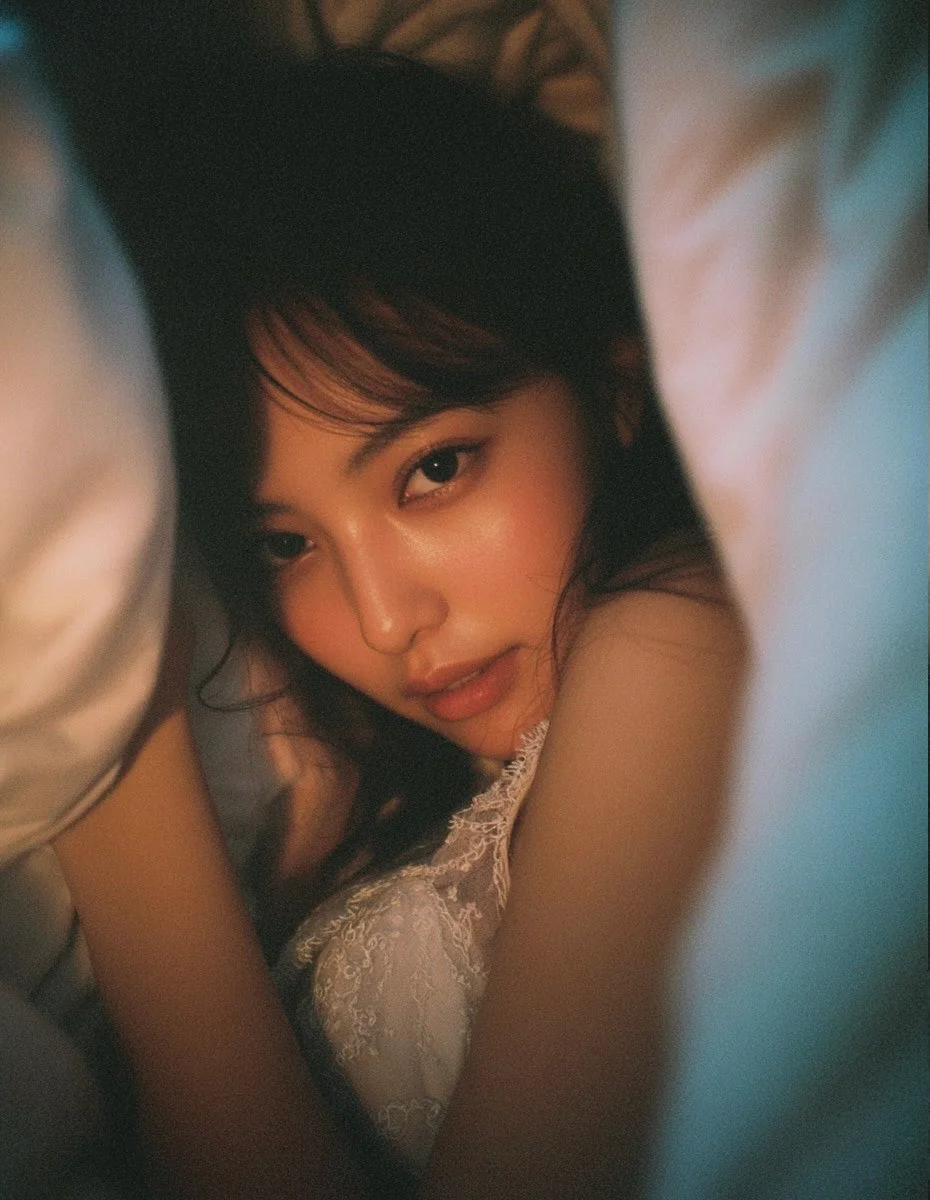
Lighting reference
View case and prompt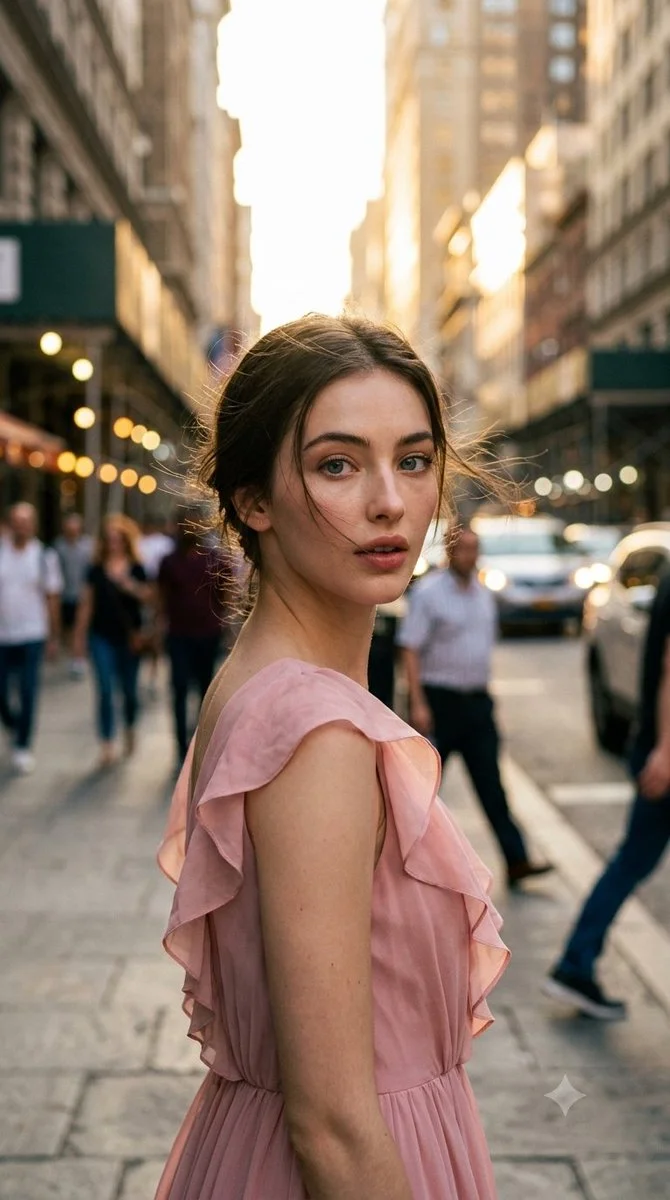
Styling reference
View case and prompt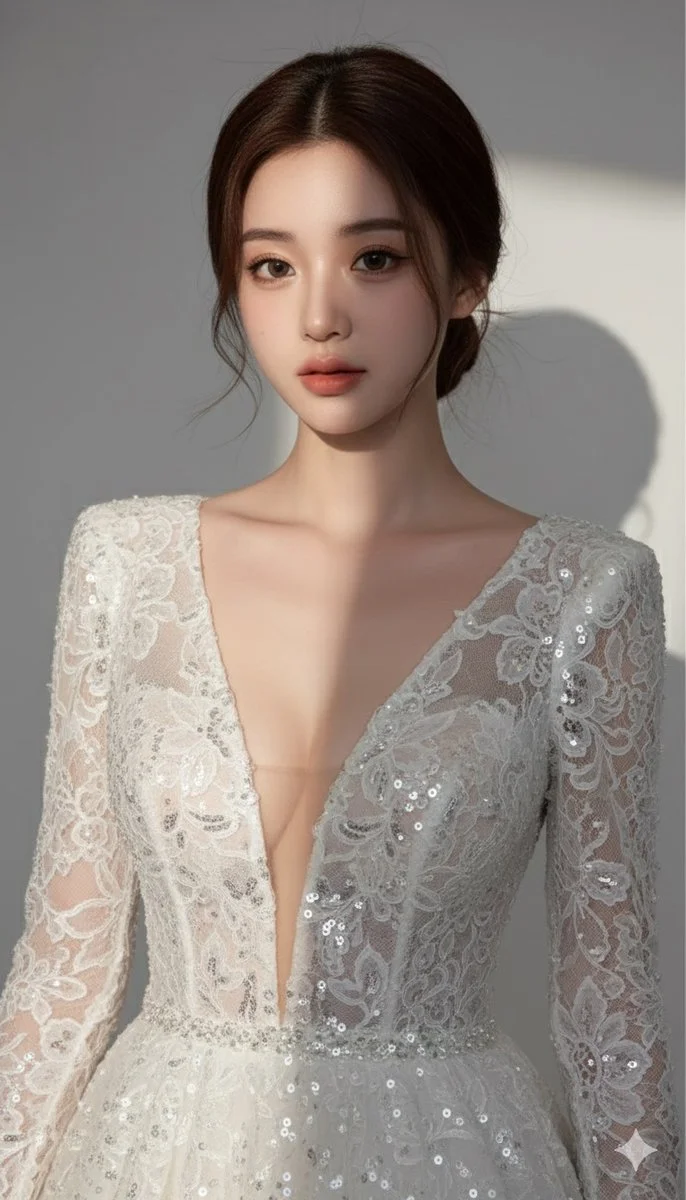
Composition reference
View case and promptKeep creating with Mea8
Questions before you take the mic?
Can I use just one photo?
Use one clear single-person photo for Bring to Life, Bald Filter or Fan Outfit Change. For all other effects, use two separate portraits or one photo together.
Can I switch effects before generating?
Yes. Selecting an effect changes the prompt. It does not submit a task or spend credits.
Are all effects separate models?
No. Effects are configurable creative presets. The selected model generates the video using the preset prompt and your reference image.
How much does a video cost?
The exact credit quote depends on the chosen video settings, duration, resolution and audio setting. Review the live quote before submitting.
Can I request a refund for my purchase?
You can request a refund within 10 days of purchase if you have unused credits from that purchase and provide a clear reason, subject to our Refund Policy. If eligible, an unused purchase can be fully refunded; a partly used purchase is refunded in proportion to its remaining unused credits. Fully used purchases and free or promotional credits are not refundable.
Do credits expire or carry over?
Credit validity depends on the pack, subscription or promotion that issued them. Review the purchase terms and expiration dates in Settings > Credits. A renewal or new purchase does not extend older credits. Use credits before their stated expiration; do not assume unused subscription credits roll over indefinitely.
What happens to credits if generation fails?
Credits charged for a task that is confirmed as failed due to a system error are returned automatically. A task that is still processing has not yet been confirmed as failed. Check its status and your credit history before submitting again. If a confirmed failure still shows an unresolved charge, email support@mea8.com with the task ID.
Can I get credits back if I do not like the result?
AI results can vary, so a completed result that differs from your expectations is not automatically treated as a technical failure. Eligible completed image tasks can be submitted for credit refund review using the refund option where available; approval is required. For a video or another issue, contact support@mea8.com with the task ID and details. A credit refund returns credits, not money to your payment method.
How can I get help with billing or a generation?
Email support@mea8.com. For billing, include your account email and order ID; for generation, include the task ID, issue description and relevant screenshots. If you purchased as a guest, keep the original browser data and payment receipt so we can help locate the purchase.
mea8.com · Updated
What's new on this page
- — Prepared this guide with current input instructions, published case references, working prompt links and related tools.