
AI Rap Music Video Maker
Bring your two-person story to the mic. Add portraits, prepare a shared scene and guide a short rap performance with a personal message.
Examples
A cheerful 8-year-old child sprints joyfully across a sunlit grassy park, arms pumping, hair bouncing, feet kicking up s
Multi-shot cinematic luxury street scene
Seedance Creator Video 169
A horizontal cinematic film strip divided into 8 distinct panels in a single
Animated girl fails to style her hair twice, gets frustrated, puts on a
text[Subject: Solo snowboarder in matte black tactical winter gear] ::
Ultra-realistic, molten metal effects, realistic physics, cinematic
Umbrella Transformation
Seedance Creator Video 957
Create a premium anime-style character sheet of a classy, charismatic,
Create a highly detailed full-color character design sheet in 16:9
Character Reference: image] Strictly follow the reference character's face,
Make your rap video in four steps
1. Choose two portraits or one photo together. 2. Select a stage, prepare the scene and inspect both people. 3. Confirm the scene, write your performance direction and review the quote. 4. Submit once, follow task history and play the completed clip with sound.
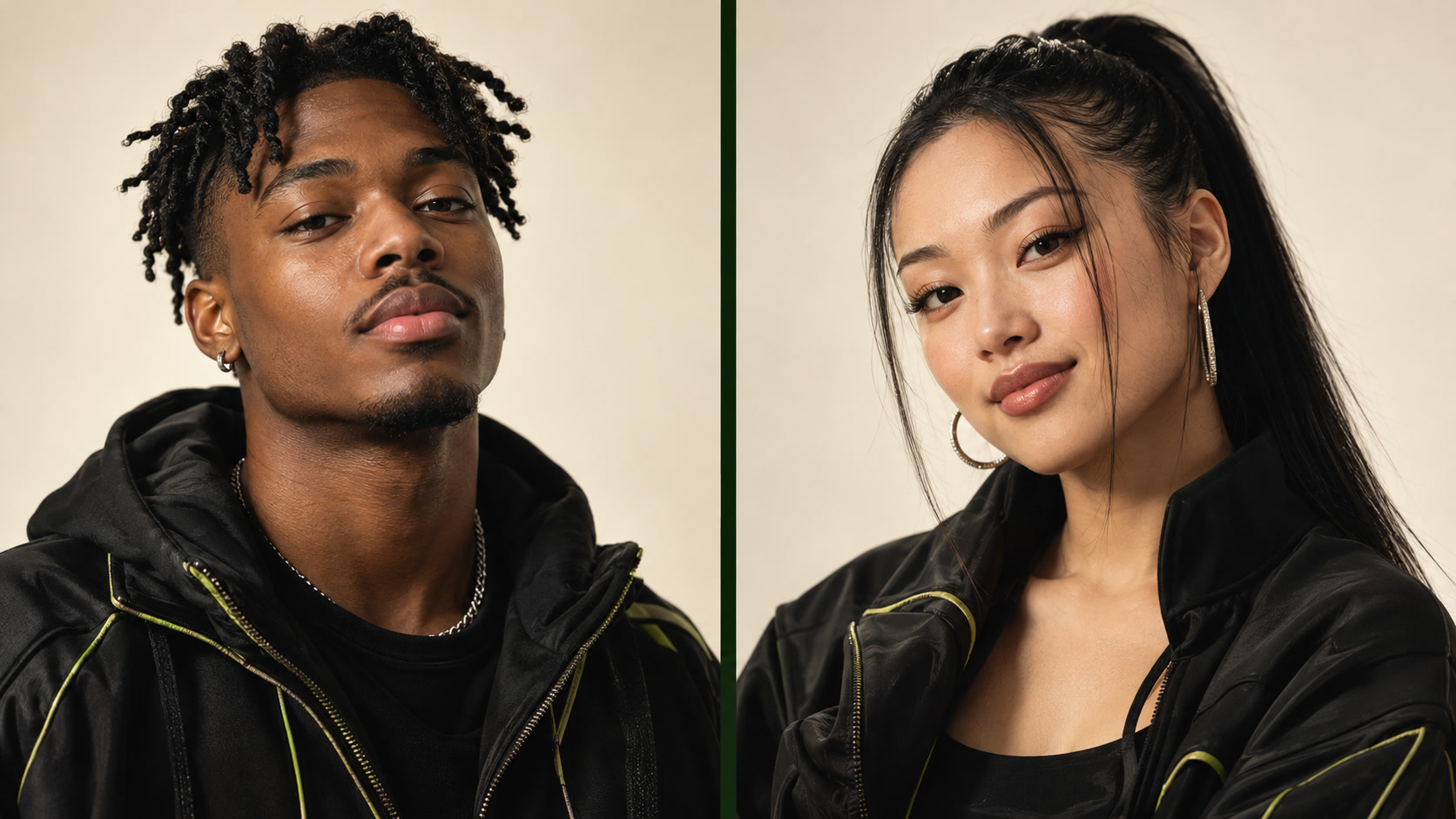
Prepare clear photos of both people
Use well-lit, unfiltered photos with visible faces, heads and shoulders. Avoid sunglasses, covered mouths and cropped foreheads. Keep the two roles consistent when using separate photos. Use only photographs you have permission to process and share.
Give the performance a reason
A birthday greeting, a reunion message or a friendly double act works best with one recognizable detail. Describe the tone you want instead of pasting a long song. Avoid asking the same person to perform incompatible gestures at once.
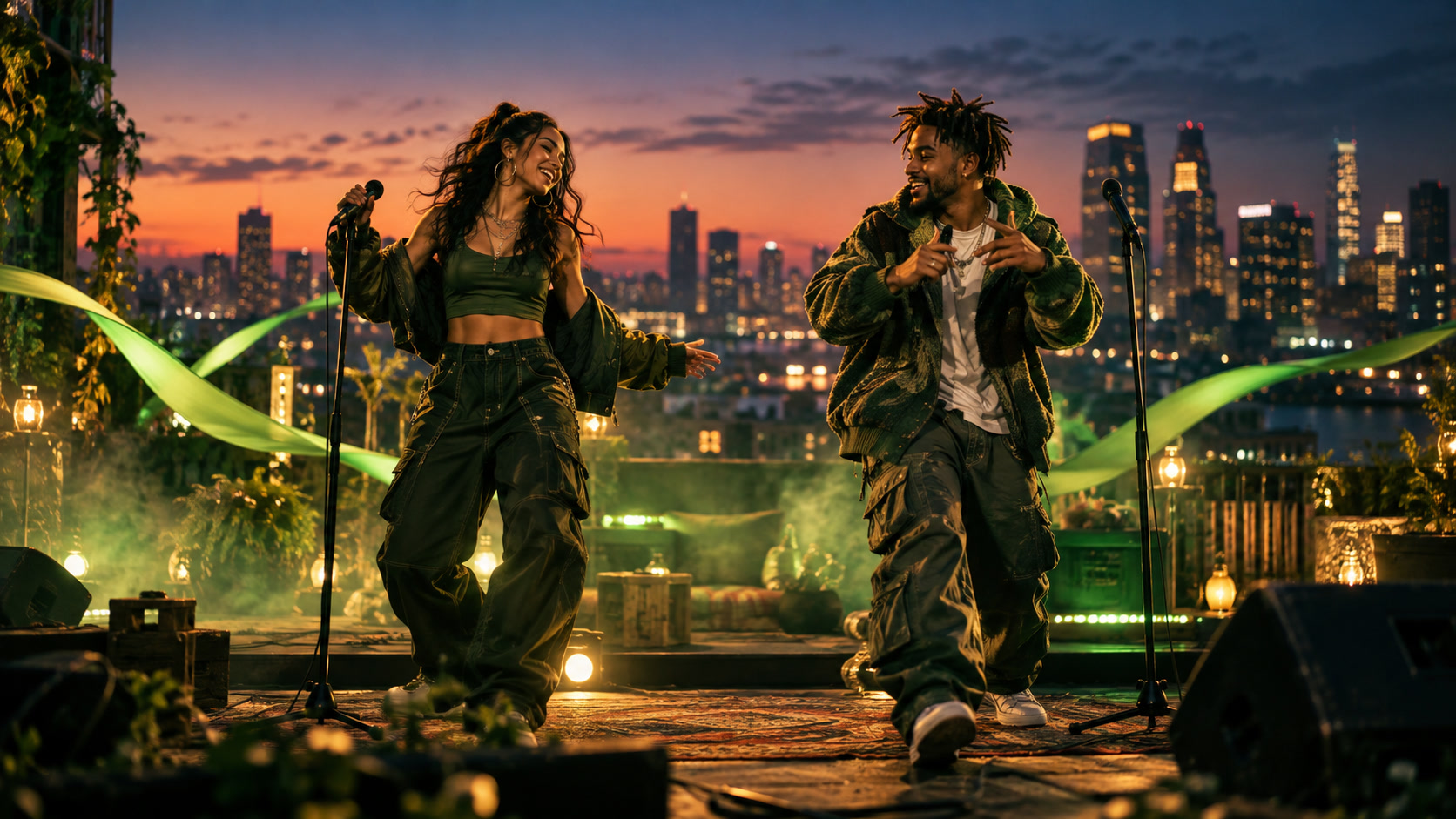
Choose available settings and confirm the scene
Use only the quality, duration and aspect ratio offered for the current model. Scene preparation is separate from the video step. Inspect the prepared image before confirming; changing the people or scene requires another check. Audio follows the selected contract, with no voice-cloning or lyric-sync editor.
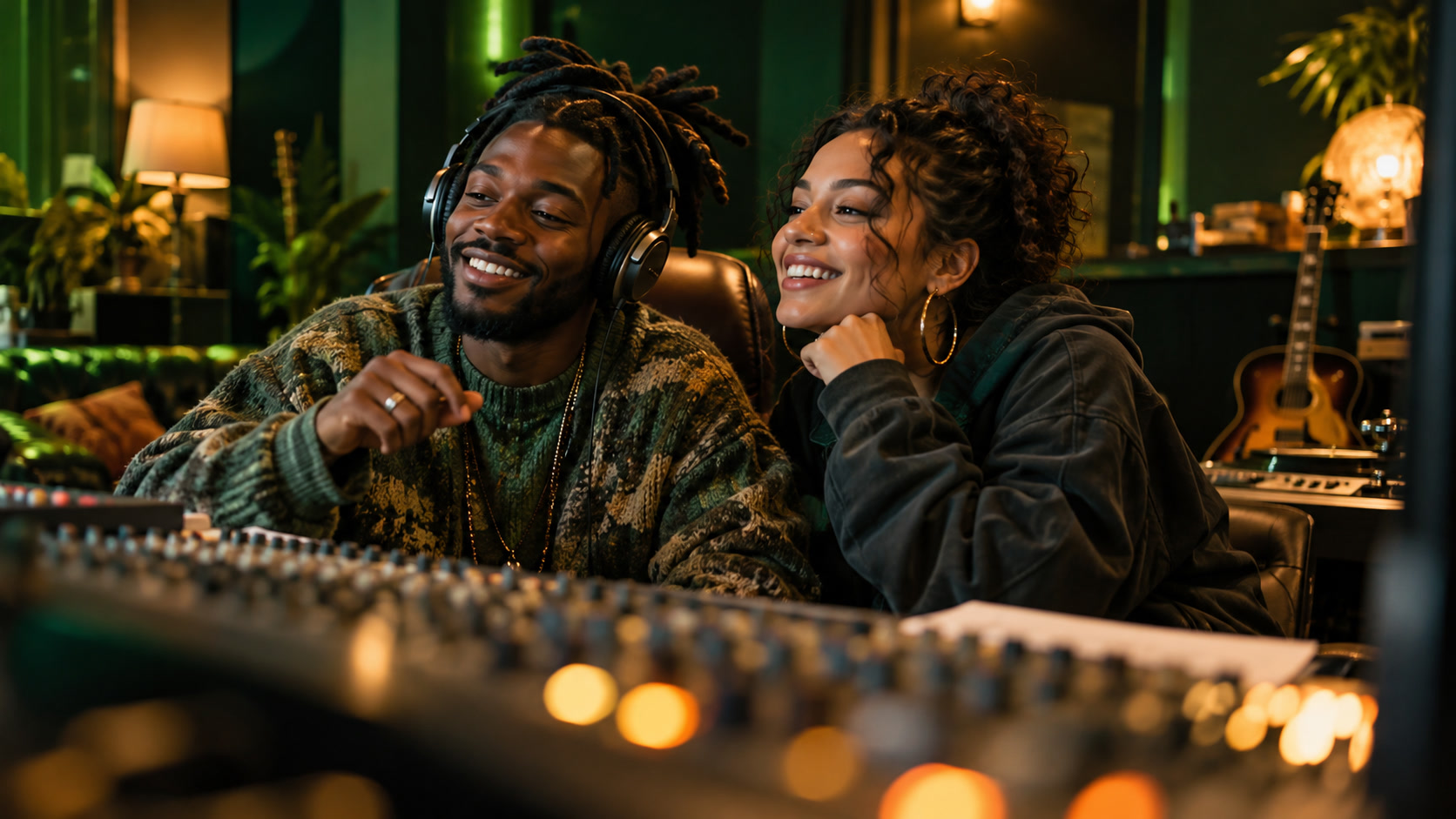
Review every frame and the audio
Play the entire result before sharing. Check that the two people remain distinct, hands and microphones do not merge, and framing stays suitable for your destination. Listen for unintended words. Generated vocals and lip movements can vary; do not present them as a recording of the people.
Understand quotes and credits
The displayed quote depends on approved models and current settings. Review scene and video costs at their respective steps. Your balance and purchase options remain in the existing account flow. Processing duration varies; use task status instead of assuming a fixed delivery time.
Continue with your account
Review credit optionsRead the policies before uploading personal photos or purchasing credits.
Privacy policyTerms of serviceRefund policyBuild your next creative project
Move from the rap studio to performance effects, portrait preparation and event visuals. Choose a tool and explore the published references before writing your own direction.

Rap video questions
What does this AI rap music video maker create?
Mea8 brings two people into a short generated rap performance. Photos guide their appearance, a scene sets the place, and your message guides the performance. It is a video workflow, not a standalone song composer.
Do I need one photo or two?
Use two separate portraits, one for each person, or one photo together with both faces clearly visible. Choose the matching input mode. Photos with similar lighting and visible heads and shoulders are easier to inspect before submission.
Why must I confirm the scene?
The scene preparation step lets you inspect identities, placement and framing before video creation. If a person or scene changes, prepare and confirm a new scene. The confirmed scene becomes the visual starting point.
Can I clone a voice or synchronize exact lyrics?
Voice cloning and a precise lyric timeline are not provided. Music and vocals follow the selected video contract. Written messages can be rephrased, and exact words or accurate lip synchronization are not guaranteed.
What should I write in the performance instruction?
Describe the occasion, energy and one personal detail. For a birthday, mention a shared memory and a relaxed celebratory mood. Keep movement simple and avoid conflicting scene or camera directions.
How do credits work?
Review the current quote for scene preparation and video creation before each paid step. Available quality, duration and aspect ratio depend on the site’s approved model catalog. Changing settings requires a fresh quote; no fixed free allowance is promised.
How do I check and retrieve my result?
Use task history to inspect status and open successful results. Watch the whole clip with sound, check both faces and listen for unexpected words. A pending task is not a failed one; inspect its status before submitting another request.
What happens if creation fails?
The existing task flow records failures and applies the eligible credit return. A success response without usable media still needs recovery. Check history and contact support@mea8.com with the task reference if a result remains unavailable.
Pick your next performance
Buy credits once, or subscribe and save
Loading prices…
mea8.com · Updated
What's new on this page
- — Prepared the Mea8 rap workspace with portrait inputs, scene confirmation guidance, setting boundaries and result review steps. Refreshed the guide with lively studio portraits, rooftop performance artwork and listening scenes. Added ten creative tools with published case references and project links.